
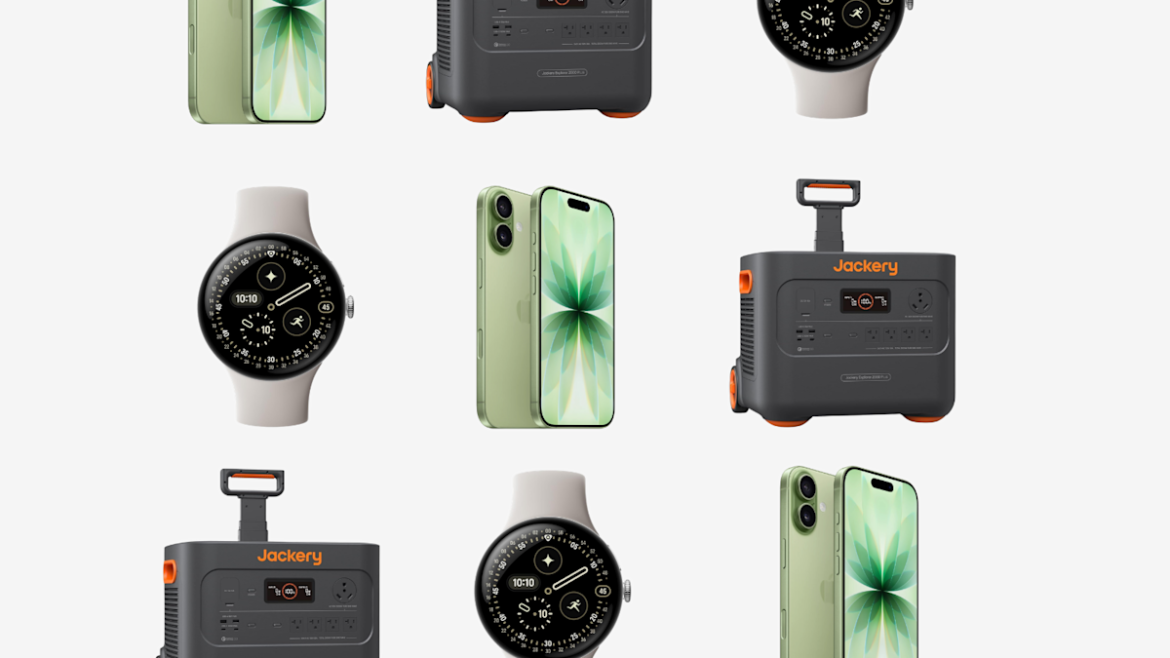
When someone says “that device is really a lifesaver,” it’s generally somewhat rhetorical: The battery pack that recharges a phone on a long trip, for instance. But for some gadgets these days, it can be a very literal statement. Just ask Apple: The company frequently kicks off its product launches for the Apple Watch by showing testimonial videos of real people whose lives have been saved by the wearable’s various features, from detecting car crashes to heart arrhythmia.
But these days, the Apple Watch isn’t the only device that can legitimately claim to be packing life-saving technology. With that in mind, we’ve pulled together an overview of products across the spectrum that could literally save the lives of you or your family — or at the very least, make your everyday life a bit more healthy.
Smartwatches
Smartwatches take the place of medical ID bracelets, emergency alert devices and can even preemptively catch heart irregularities. They also happen to be miraculous tiny computers that track your fitness, make calls and handle payments.
If you’re an iPhone user, the choice is easy: get an Apple Watch. Android users have more options, but the Pixel Watch 4 is probably the best of the bunch at providing a wide range of life-saving features.
Both the Apple and Pixel Watch can detect signs of atrial fibrillation (AFib), an irregular heart rhythm that can lead to stroke and other maladies. Of course, no watch can diagnose a condition, they simply gather data and alert you to possible issues so you can share those with your doctor. The Apple Watch Series 9, 10 and 11 and the Ultra 2 and Ultra 3 can detect early signs of hypertension, and Google is in the process of testing that same feature for Pixel Watch 3 and 4.
Beyond heart health, the Apple Watch and Pixel Watch both also offer fall and crash detection. Once you enable the feature, a prompt will appear if the watch detects a hard fall or signs that you’ve been in a car crash. If you don’t respond, it can automatically call emergency services (or designated contacts) on your behalf. Some models even offer satellite communications options when you’re off the cellular grid (see below).
And finally, both watches can display critical medical information including medications, allergies, blood type and health conditions with medical professionals and first responders when you’re unable to do so yourself. Not bad for a device that can also give you directions and control your playlists. — Amy Skorheim, Senior Reporter


Phones with satellite SOS
Getting stranded on the side of the road without any signal is definitely a fear of mine — especially if I’m in an unfamiliar area. The good news as the owner of a recent iPhone is that I have the Emergency SOS with satellite feature — this lets you text emergency services when you’re off the grid — and the regular SOS service which lets you call emergency services if there’s an available network provider. All you need for the satellite-enabled feature is a compatible phone or cellular-enabled smartwatch that’s so equipped. Right now, that includes an iPhone 14 or newer, the Samsung Galaxy S26 series and the Google Pixel 9 or newer, as well as the Apple Watch Ultra 3 and Google Pixel Watch 4. For the most part, there’s no additional charge for the satellite SOS feature so far, but you’ll need a current wireless plan. (Some other phone models support satellite communications based on specific carrier plans.)
Fortunately, I don’t have a crazy story to tell about how my iPhone saved my life, but there are plenty of people out there who’ve received the help they needed thanks to their phones or Apple Watches. For instance, a family of hikers who were lost in a freezing Oregon forest were saved because they were able to use the Emergency SOS feature on their iPhone.
If you ever find yourself in a similar situation, you can activate the SOS service on an iPhone by pressing and holding one of the volume buttons along with the lock button. Once the screen opens, you can slide the SOS button over to call emergency services. And to use Satellite SOS, try making the call first and then select the Emergency Text button if the call fails.
That said, don’t assume your phone is good to go with Satellite SOS. Be sure to verify that it works before you venture into an area without traditional cellular coverage. — Katie Teague, Senior How-To Writer


Radon and carbon monoxide detectors
Your house is trying to kill you. OK, maybe not the actual structure (unless it’s haunted), but there are two deadly gases that pose a real threat: carbon monoxide and radon. Fortunately, there are strategies for dealing with both.
You already know about smoke detectors; they’re now required by law in residential buildings. But you should also install at least one carbon monoxide detector (ideally near bedrooms), which can alert you to the presence of the odorless gas. It can come from fuel-burning sources such as furnaces, water heaters, gas stoves and clothes dryers.
Next up: radon, another silent killer. This naturally occurring gas seeps up from the ground, making its way through basement floor drains, cracks in the foundation and even standard-issue sump pumps.
An inexpensive hardware-store test revealed that my house did indeed have high levels of radon (which is the second leading cause of lung cancer, by the way). After getting a remediation system installed, I deployed a radon detector to make sure the levels stayed low enough for safety. — Rick Broida, Senior Technology Writer


Car battery chargers
There are few things that can turn a long day at work even longer than walking out to your car to realize that you left your lights on all day and your car battery is now dead. Now you’re either at the mercy of a nearby stranger, provided one of you has jumper cables, or you’re calling a tow truck, which always takes longer and costs more than you think. And that’s the good scenario. If your battery goes when you are stuck in the middle of nowhere in bitterly cold winter temperatures, inconvenience can turn into life-threatening danger quickly.
That’s where a jump starter comes in. What used to be a hard-to-use brick the size of a small suitcase that took up quite a bit of space in your trunk has become foolproof and shrunk down to fit under a seat or even in your glovebox, where it goes unnoticed until you need it.
They come in a variety of sizes, so make sure to get one that is powerful enough for your vehicle — you’re gonna need a larger jump starter if you drive a truck than if you drive a Honda Fit, for instance. Most are good for more than just a jump too. You can use the ones below as battery packs to charge your phone and they have a built-in flashlight, should you find yourself stuck in the dark. Some even have compressors attached, should a wayward nail find your tire and you end up with a flat. Speaking of, pick up a tire repair kit while you’re at it. — Chris McGraw, Senior Deals Editor


Home security cameras
Can a security camera save your life? It’s not unthinkable: Home invasions happen in real life, not just the movies — but if you have a camera that can detect movement, shine a light and blare an alarm, it’s pretty likely to scare off an intruder.
That’s why I’ve deployed a few security cameras around the old abode: one facing the front door, another to capture backyard activity and so on. They not only alert me if there’s a human moving about, but also capture video of the activity — and, if I want, shine a light and blare an alarm.
Which ones? Let me be blunt: I’m not into government surveillance, so I steer clear of Ring cameras, because the company’s always been a bit too enthusiastic about allowing easy access for law enforcement. (Since the debacle of the company’s Super Bowl ad, it’s emphasized users’ ability to opt out of such automations, and canceled at least one such partnership.) . I’m also not into paying monthly fees for cloud storage and other features, hence my recent roundup of the best subscription-free outdoor security cameras.
The three top picks from that story are varying degrees of great; you can’t go wrong with any of them. But I’m especially partial to the two that have batteries and run on solar power. — Rick Broida, Senior Technology Writer


Home power stations
When the power goes out, things can get dire. Anyone with critical medical equipment at home, such as breathing machines or dialysis systems likely already have a large battery that can keep these things running in the event of a blackout. But now that power outages are more common, having a back up power supply is a good idea for most people.
Power stations come in a huge range of sizes, from small units that can power a camping trip to huge, stackable home backup systems that can power an entire house for days. Unlike a gas generator, there’s very little noise (you may notice a slight hum), and there’s no danger of ill effects from the exhaust those generators produce.
Unlike a gas generator, however, power stations don’t produce power; they simply store energy. You’ll need to hook them up to a wall outlet or solar panels to fill them, and then use them to power your lights and appliances when the power goes out.
Whole-home backup systems are a little different. These are installed by an electrical contractor to tap into your home’s residential power supplies. They suck up energy when power is plentiful, and feed it back in an outage. As you can imagine they’re more expensive than a simple power station, but they’re the most seamless way to stay powered.
We tested a wide range of power stations that you can move from place to place and use as needed. If you’re concerned about powering critical appliances — from fans in a heatwave to space heaters in a storm — a power station can take away some of that worry. — Amy Skorheim, Senior Reporter


