
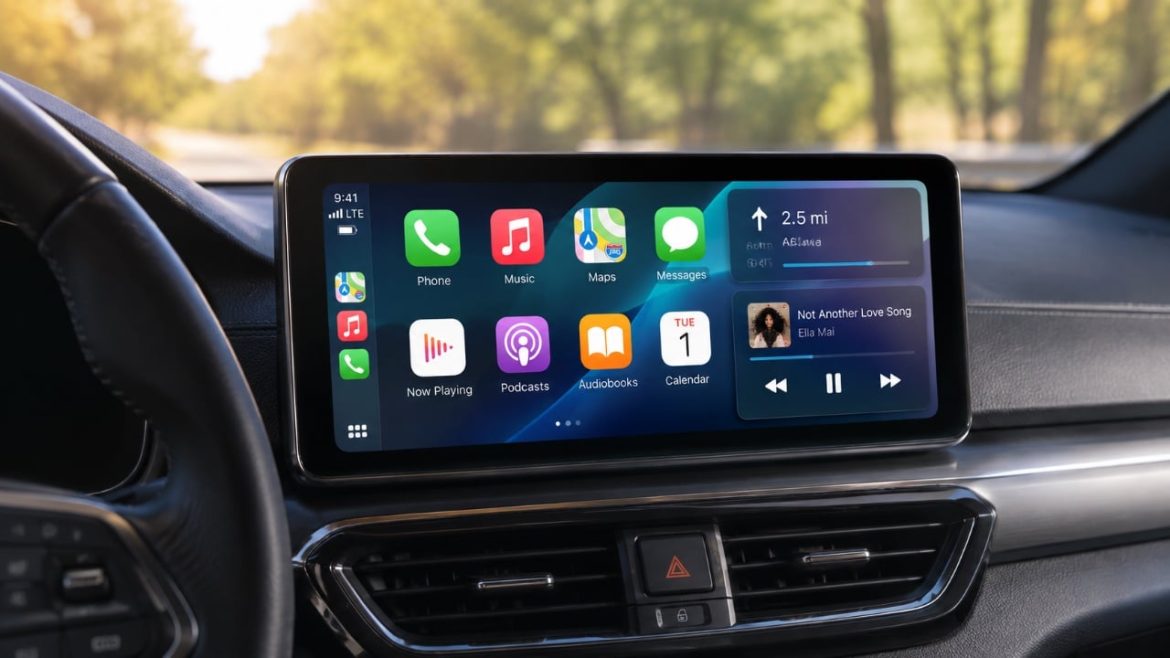
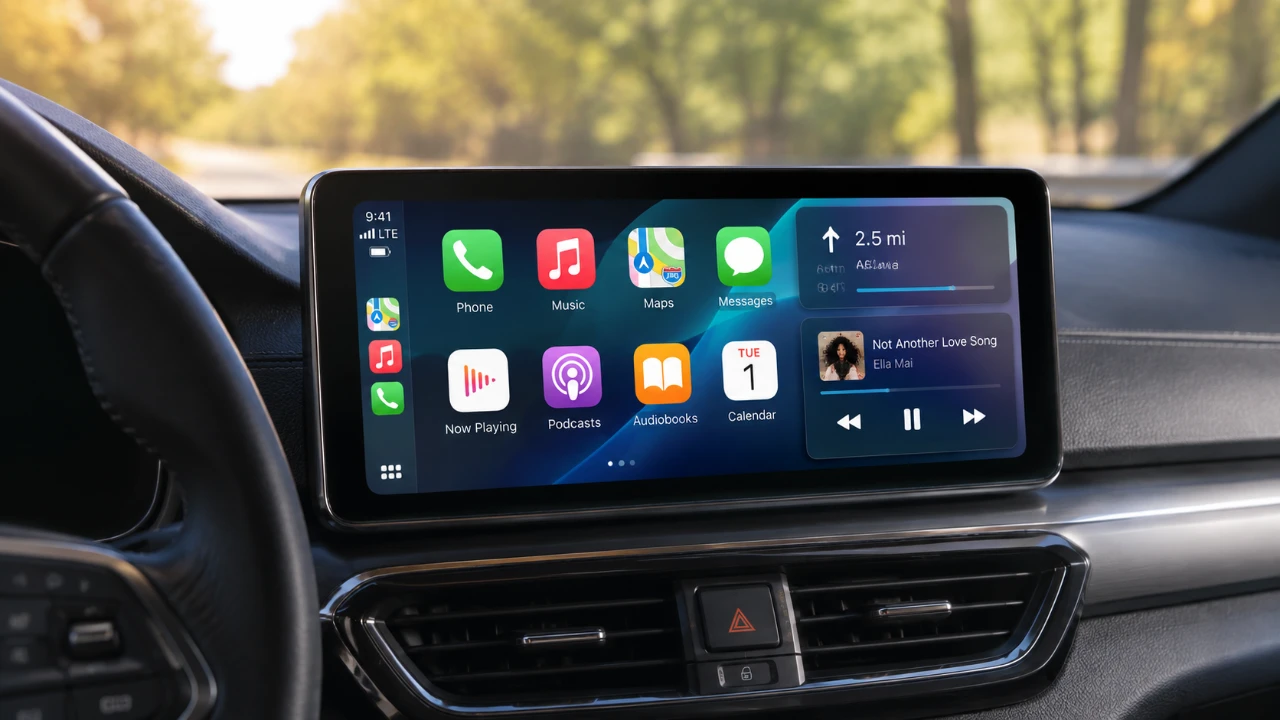
Apple has officially released iOS 27 Public Beta 3, bringing a combination of refinements, design adjustments and bug fixes across its ecosystem. This update introduces meaningful improvements to CarPlay, Siri, and other core apps, enhancing usability and functionality. However, some long-awaited features remain absent, leaving users eager for future updates. If you’ve been anticipating casting support or Apple TV app integration with CarPlay, you’ll need to wait a bit longer. The video below from HotshotTek gives us more details about the latest CarPlay features in iOS 27.

CarPlay: Subtle Updates with Practical Benefits
CarPlay receives several updates in this beta, focusing on Siri’s interface and functionality. The Siri icon now features a redesigned look with a subtle gray background, offering a cleaner and more modern aesthetic. Performance improvements are also evident, with Siri now delivering more accurate image previews in conversations and resolving issues with weather updates, sports scores and backtap commands.
Apple Music on CarPlay has seen minor but impactful changes. Users can now dismiss the terms and conditions prompt directly within CarPlay, though final confirmation still requires interaction with your iPhone. Additionally, the Podcast app has addressed a persistent issue where icons failed to align with light and dark themes, making sure a more visually consistent experience.
Design and Settings: Enhancements in Customization
This beta introduces updates to wallpaper customization, adding new color options such as Ferrari red and dark black while removing older choices like green and light blue. These changes, combined with subtle refinements to how wallpapers adapt to light and dark modes, contribute to a more polished aesthetic.
Beyond wallpapers, the system includes minor design adjustments. Transitions between screens are smoother and slight interface tweaks enhance usability. However, some legacy design elements, such as the “Pepsi logo” in contacts, remain unchanged, leaving certain areas of the interface feeling outdated.
Apple Maps: The Return of a Practical Feature
Apple Maps restores a previously removed feature that allows users to overview road closures and hazards through a dropdown menu. This reinstated functionality improves navigation and real-time reporting, making the app more intuitive and useful for everyday drivers. By allowing users to contribute to live traffic updates, Apple Maps takes a step toward enhancing its reliability and user engagement.
What’s Still Missing?
Despite the improvements, some highly anticipated features are still absent. CarPlay continues to lack Apple TV app integration and video streaming capabilities, limiting the platform’s potential for accessing Apple’s video content directly. Similarly, casting from your iPhone to CarPlay remains unsupported, leaving a gap for users seeking seamless media sharing between devices. These omissions highlight areas where Apple could further expand CarPlay’s functionality in future updates.
Lingering Issues and Areas for Improvement
While this beta resolves many bugs, certain issues persist. For instance, Apple Music’s poster-like themes are still inconsistently applied across the app, creating a fragmented visual experience. Additionally, some outdated design elements, such as older icons, remain untouched, slightly detracting from the system’s overall polish. These lingering issues suggest that while progress has been made, there is still room for refinement in subsequent updates.
Refining the Experience
iOS 27 Public Beta 3 focuses on enhancing existing features and addressing bugs, particularly within CarPlay, Siri and Apple’s core apps. The updates improve usability, design and functionality, offering a more seamless experience for users. However, the absence of casting capabilities and Apple TV app integration for CarPlay underscores areas where Apple still has work to do. While this beta represents a step forward, it leaves room for further enhancements in future iterations.
Here are more detailed guides and articles that you may find helpful on iOS 27.
Source & Image Credit: HotshotTek
Filed Under: Apple, Apple iPhone, Technology News, Top News
Disclosure: Some of our articles include affiliate links. If you buy something through one of these links, Geeky Gadgets may earn an affiliate commission. Learn about our Disclosure Policy.
