
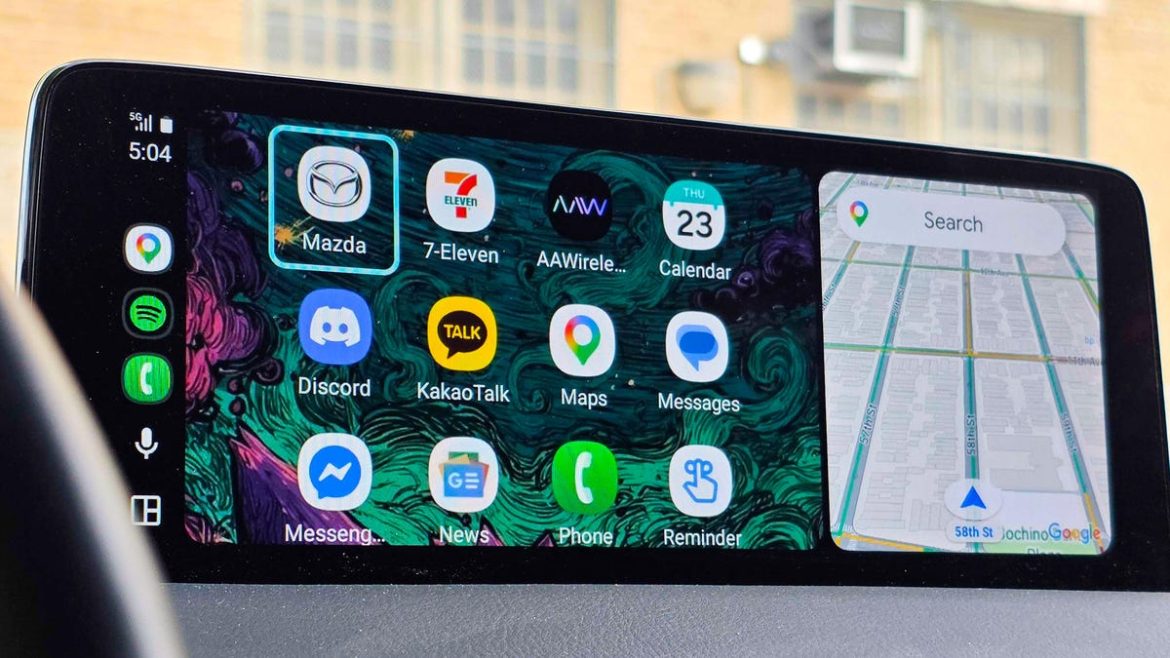
Switching from Google Assistant to Gemini has been one of the biggest upgrades to Android Auto in a long time, and I’ve covered the shift extensively over the past year. But the smarter assistant isn’t flawless, as many Android Auto users have also noticed.
One issue I’ve faced since the beginning is that the assistant doesn’t always synchronize its communication with my physical car inputs, such as when it keeps asking me whether I’d like to start navigation to a destination after I’ve already confirmed the route.
Also: I tested ChatGPT Plus vs. Gemini Pro to see which is better – and if it’s worth switching
In other cases, it’ll persistently ask follow-up questions to conversations that should be short and sweet. So, what’s the tip here? Pressing your steering wheel’s call/hang-up button. Doing so turns off the assistant, as Android Auto treats the live chat as an “active call.”
So, instead of waiting for Gemini to finish speaking, since you can’t interrupt the smart assistant like you can on the phone or in the browser, simply pressing your car’s call button is the fastest way to end the call.
