
If your smartphone becomes so hot after a car trip that it’s uncomfortable to hold, it’s a serious cause for concern. Overheating can not only impair the device’s performance but also damage its internal components and significantly accelerate battery wear. This is mentioned in an article by Engadget.
### Why Overheating is Dangerous
In the worst-case scenario, an overheated battery may encounter what is known as thermal runaway — a process where the battery stops effectively dissipating heat and an uncontrolled chemical reaction begins inside it. This can lead to battery swelling, which users often refer to as a “swollen battery.”
The car is considered one of the most unfavorable places for a smartphone in hot weather. The enclosed metal cabin quickly heats up under the sun’s rays, while the phone simultaneously receives heat from outside and generates its own during operation. To avoid overheating, it is necessary to reduce the load on the device and create conditions for its natural cooling.
### Don’t Leave Your Phone in the Sun
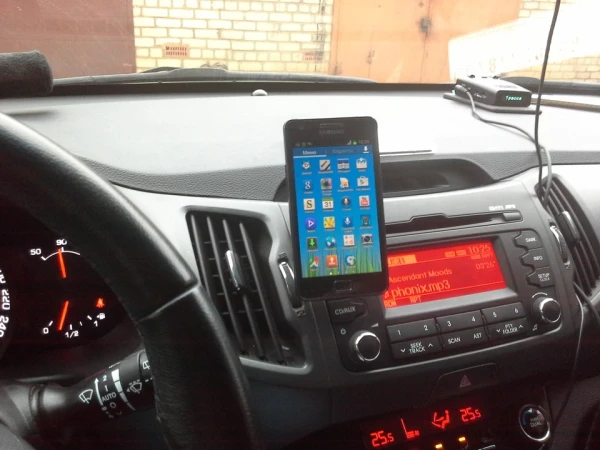
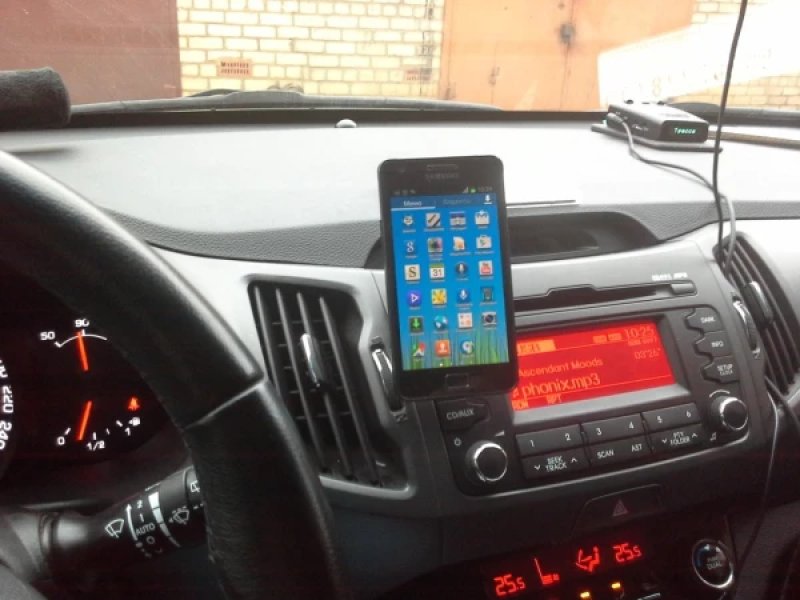
One of the most common mistakes is placing the smartphone on the dashboard. Despite the convenience of this location for navigation, it is here that the device heats up the most due to direct sunlight passing through the windshield.
It is especially dangerous if the smartphone is lying in the sun while charging. In this case, heat from the panel, high temperatures in the cabin, and battery heating during charging quickly create conditions for critical overheating.
If the phone is needed for navigation, it is better to secure it in a cooler place. A good solution would be to direct the air flow from the air conditioner onto the back of the device — this will help dissipate heat more effectively, similar to how cooling systems work in laptops and desktop computers.
At the same time, experts warn: it is not advisable to cool a hot smartphone too abruptly. At high humidity, condensation may form inside the casing, which can damage electronic components.
### A Case Can Also Hinder Cooling
During trips in extreme heat, it is recommended to remove the protective case whenever possible. Silicone and plastic accessories protect the smartphone from drops and impacts, but they also impair the heat dissipation of the casing, causing the device to cool down significantly slower.
### How to Reduce the Risk of Overheating
A smartphone heats up not only due to high ambient temperatures. During operation, the processor, modem, and battery generate heat themselves, and in hot weather, the built-in cooling system may struggle to dissipate it.
The main rule is to avoid charging the phone in a hot car whenever possible. This is especially true for wireless charging, which is less efficient and generates more heat than wired charging. Car mounts with wireless charging capabilities are convenient, but in summer they can become an additional source of overheating.
If possible, reduce the load on the device. If the route is well known, you can forgo constant navigation. If using the smartphone is necessary, it is recommended to lower the screen brightness, turn off unnecessary functions, such as Wi-Fi, and avoid running resource-intensive applications — games, video editing programs, and other demanding software.
### What to Do if Your Phone Has Already Overheated
If the smartphone has become too hot, the first thing to do is to turn it off and remove it from direct sunlight. Do not try to cool the device quickly by placing it in the refrigerator or directing very cold air at it. A sudden temperature change can cause moisture to form inside the casing, which can lead to serious damage to the electronics.
Experts remind us that it is easier to prevent smartphone overheating than to deal with its consequences. It is enough not to leave the device in direct sunlight, avoid charging in a hot cabin, remove the protective case whenever possible, and reduce the load on the phone in hot weather. These simple measures will help maintain the device’s performance and extend the battery’s lifespan.
